Particle System Design Fundamentals
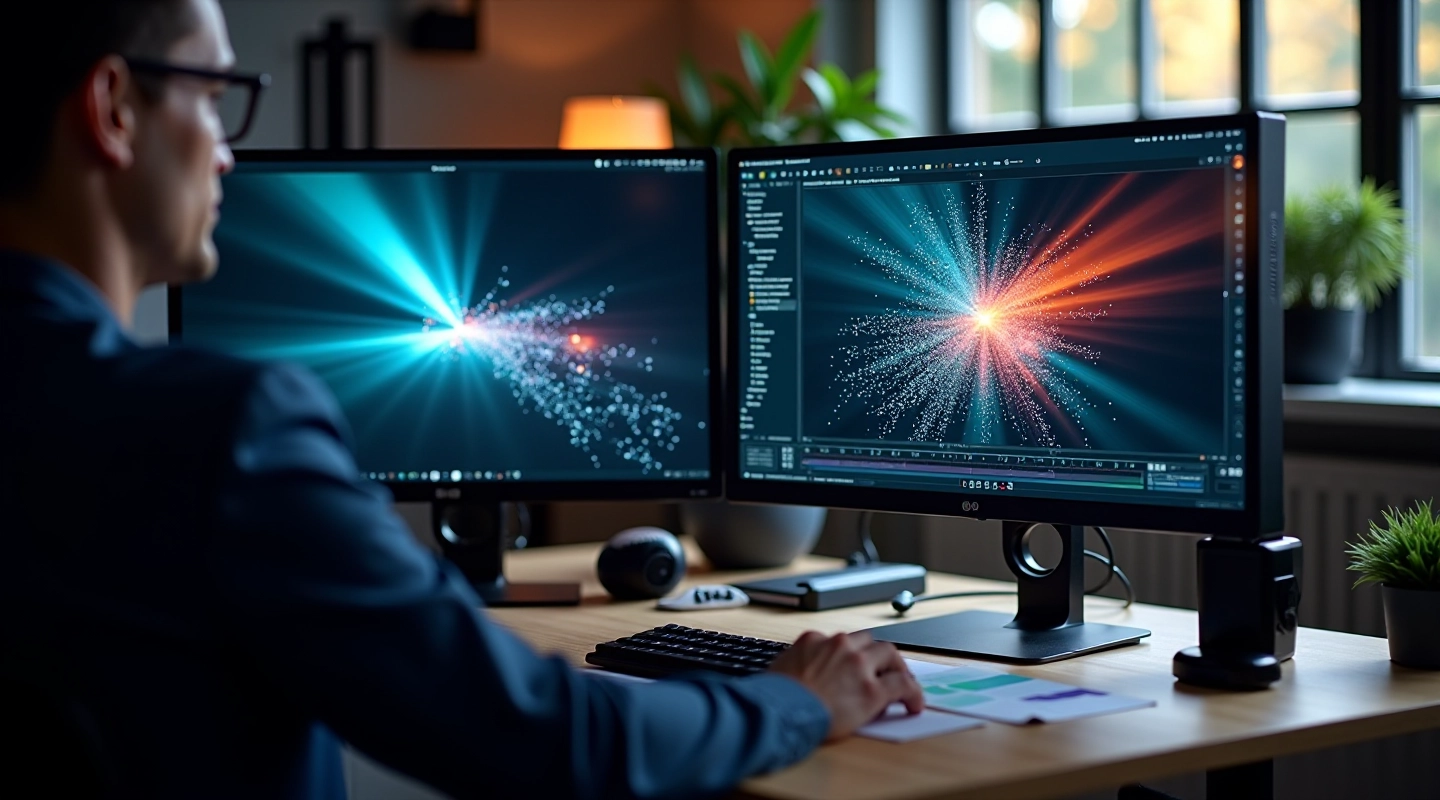
Learn how to build realistic particle effects from scratch. Covers emitter setup, physics properties, and rendering optimization for motion projects.
Read GuideMaster particle systems, camera tracking, compositing workflows, and color grading for professional motion projects.
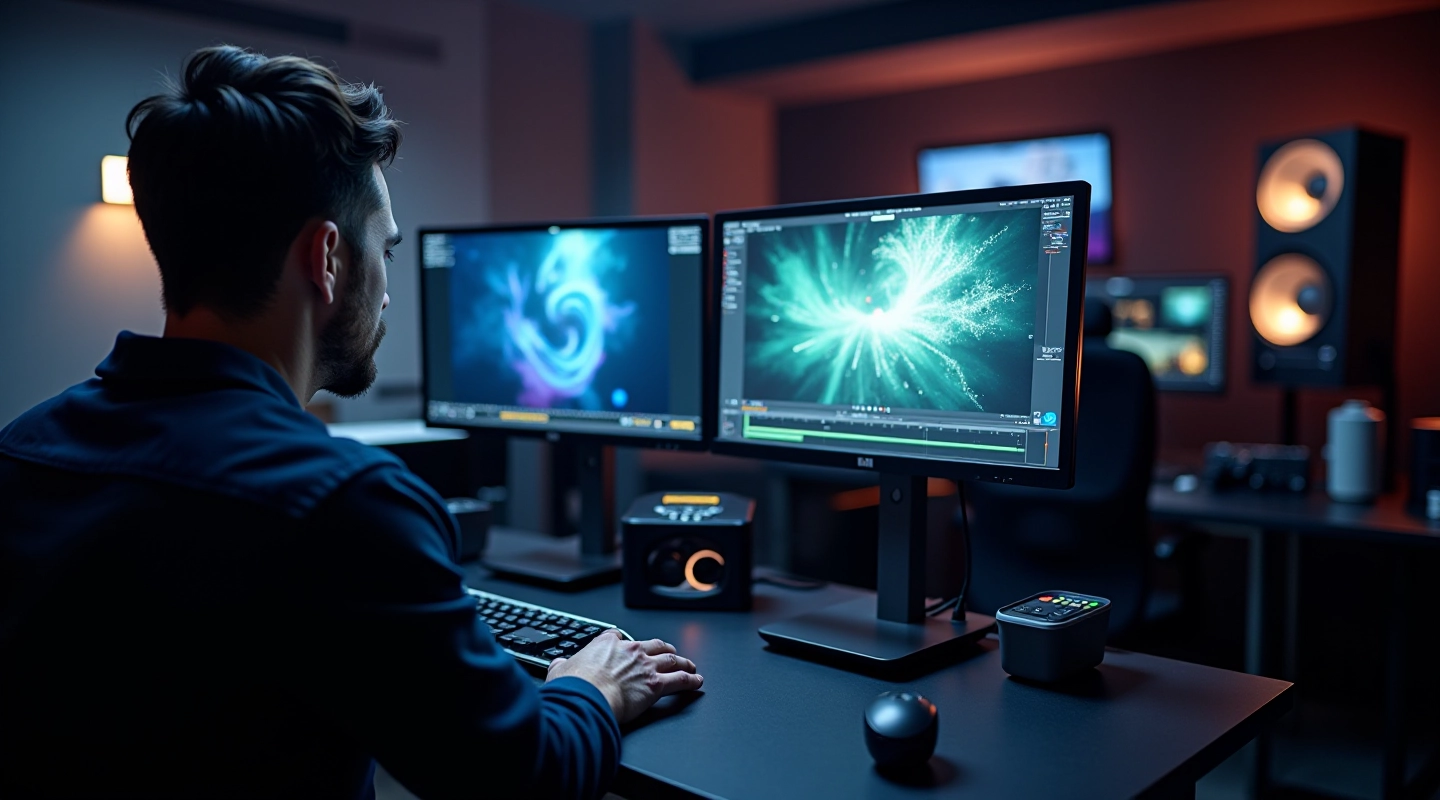
Practical training across four core areas of motion graphics and visual effects.
Build realistic particle effects from scratch. Learn emitter setup, physics properties, and rendering optimization.
Integrate 3D camera tracking data into your compositing pipeline. Covers marker placement and troubleshooting.
Master layer organization and management. Learn naming conventions, grouping strategies, and team collaboration best practices.
Apply color grading techniques specifically designed for motion projects. Create cohesive looks across sequences.
A clear, step-by-step approach to learning motion graphics fundamentals.
We start with the core concepts. You’ll learn how particle systems work, why tracking matters, and what compositing actually involves. No rushing ahead until the basics make sense.
Theory means nothing without practice. You’ll work through real projects, experimenting with emitter settings, tracking workflows, and color grading techniques. We provide feedback along the way.
Once you’ve got the hang of it, you’ll create effects from scratch. Start small, then tackle more complex projects. This is where real learning happens.
The difference between amateur and professional work is in the details. We’ll cover optimization, rendering workflows, and how to troubleshoot when things don’t go right.
How MotionLab Cork has grown since 2019.
Launched with foundational resources on visual effects fundamentals and basic motion graphics concepts.
Expanded content to cover particle effect design, emitter workflows, and physics-based animation.
Added comprehensive guides on layer organization, team collaboration, and advanced compositing techniques.
Published detailed resources on 3D camera tracking integration and color grading techniques for motion projects.
Improved resource organization and added clearer navigation for learning on multiple devices.
Quick access to our most popular resources and guides.
Learn how to build realistic particle effects from the ground up.
Master 3D camera tracking integration into your compositing pipeline.
Organize complex projects with professional layer management strategies.
Apply professional color grading techniques to motion graphics projects.
Our most popular resources for learning motion graphics and visual effects.
Learn how to build realistic particle effects from scratch. Covers emitter setup, physics properties, and rendering optimization for motion projects.
Read Guide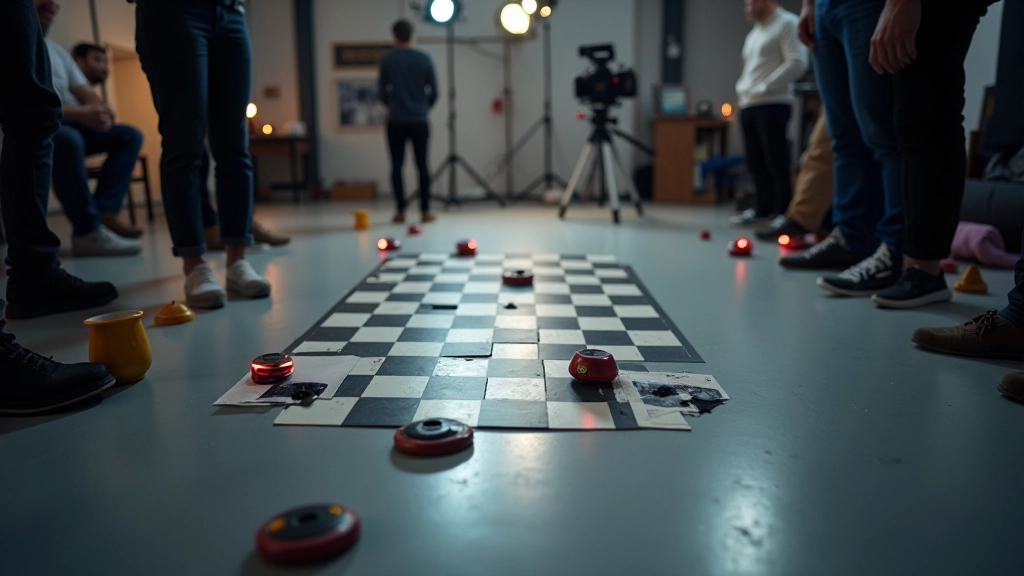
Step-by-step approach to integrating 3D camera tracking data into your compositing pipeline. Covers marker placement and troubleshooting common issues.
Read Guide
Master the organization and management of complex compositing projects. Includes layer naming conventions, grouping strategies, and best practices for team collaboration.
Read GuideGet in touch to explore our resources, ask questions about visual effects training, or find the right guide for your skill level.
Contact Us Today
No jargon. We explain concepts in a way that makes sense.
Resources available whenever you need them. No pressure, no deadlines.
Have questions? Reach out and we’ll help point you in the right direction.
We focus on practical, hands-on motion graphics education.
We’re focused on the tools and techniques that actually work in professional motion graphics pipelines. From particle systems to color grading, we cover what matters for creating cinematic motion graphics in Cork and beyond.
Building and optimizing particle systems for motion.
Camera tracking and 3D data workflows in compositing.
Professional layer management and workflow optimization.
Grading workflows specific to motion graphics projects.
Answers to common questions about learning motion graphics.
Not necessarily. Our guides start with fundamentals and assume no prior experience. If you’re familiar with video editing or design software, you’ll pick things up faster, but we don’t require it.
We focus on industry-standard tools like After Effects, Nuke, and Cinema 4D. The concepts we teach transfer across different software, so you can apply them wherever you work.
It depends on your starting point and how much time you dedicate. Most people see real progress within 6-8 weeks of regular practice. We recommend working through guides at your own pace.
Our guides and resources are available to explore freely. If you’d like personalized support or have specific questions, reach out and we’ll discuss what we can help with.
Yes. Our guides are designed for both personal learning and professional application. Everything we teach is meant to help you create work you can actually use.
Pick a topic that interests you and dive in. We’d recommend starting with particle system fundamentals if you’re new to visual effects, or camera tracking if you’re already familiar with compositing basics.
We use cookies to enhance your experience on MotionLab Cork. By continuing to browse, you agree to our cookie policy.